Record a payment
Clients pay you directly, by bank transfer, UPI, cheque or cash. Plott only records it; it never takes or holds your clients’ money.
1Mark it paid
On the invoice, choose Mark paid, then add the date it was paid on and a UTR or cheque number if you have one.
Marked by mistake? Choose Not paid after all.
2See where a project stands
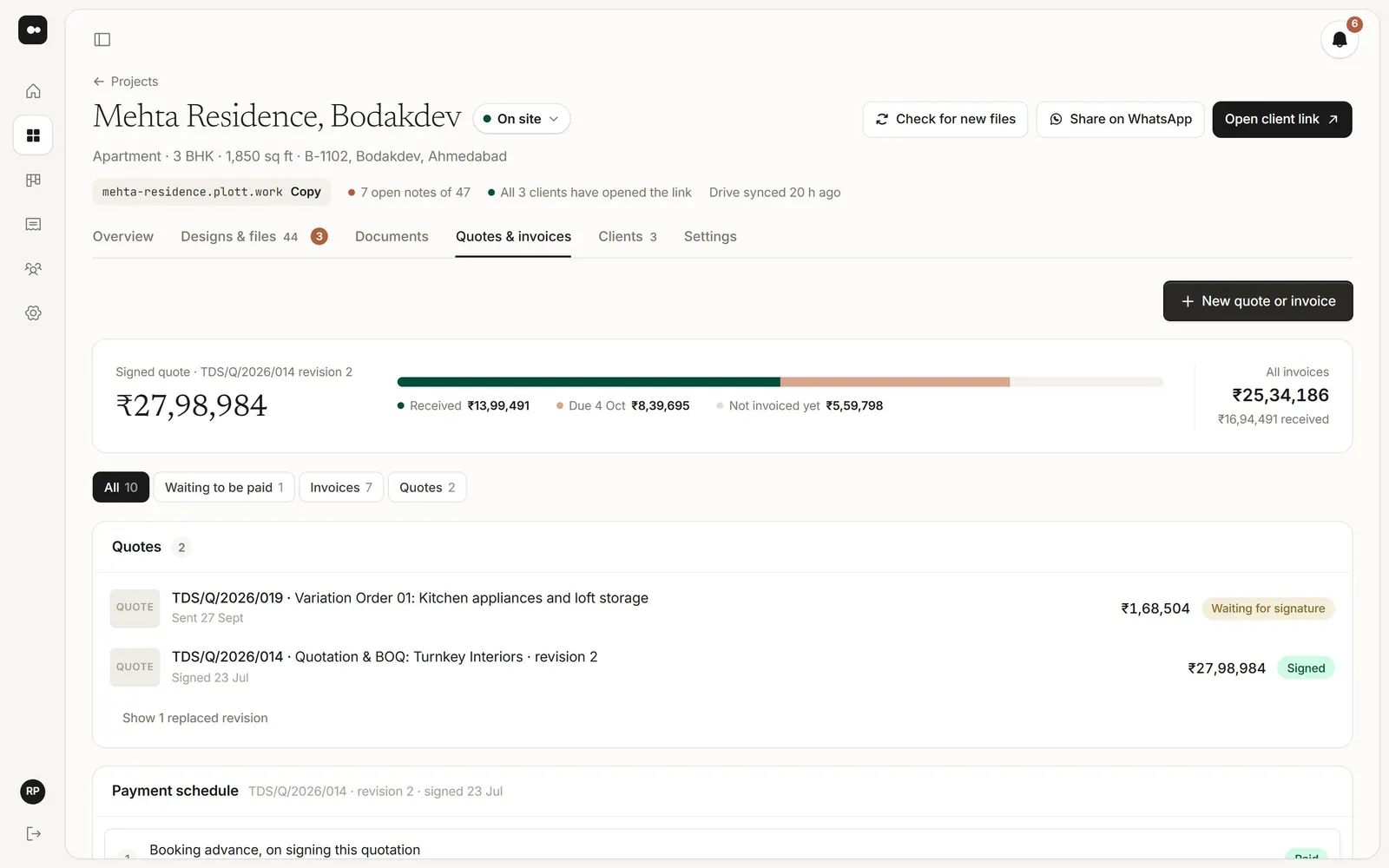
The project’s Money tab shows the signed quote, what’s been received, what’s due and what isn’t invoiced yet.
3Chase what’s due
On an invoice, choose Set reminder. On the day, it becomes a task for the person you choose; only people whose role can see invoices are listed.
Was this article helpful?